Step 1
Go live from your browser
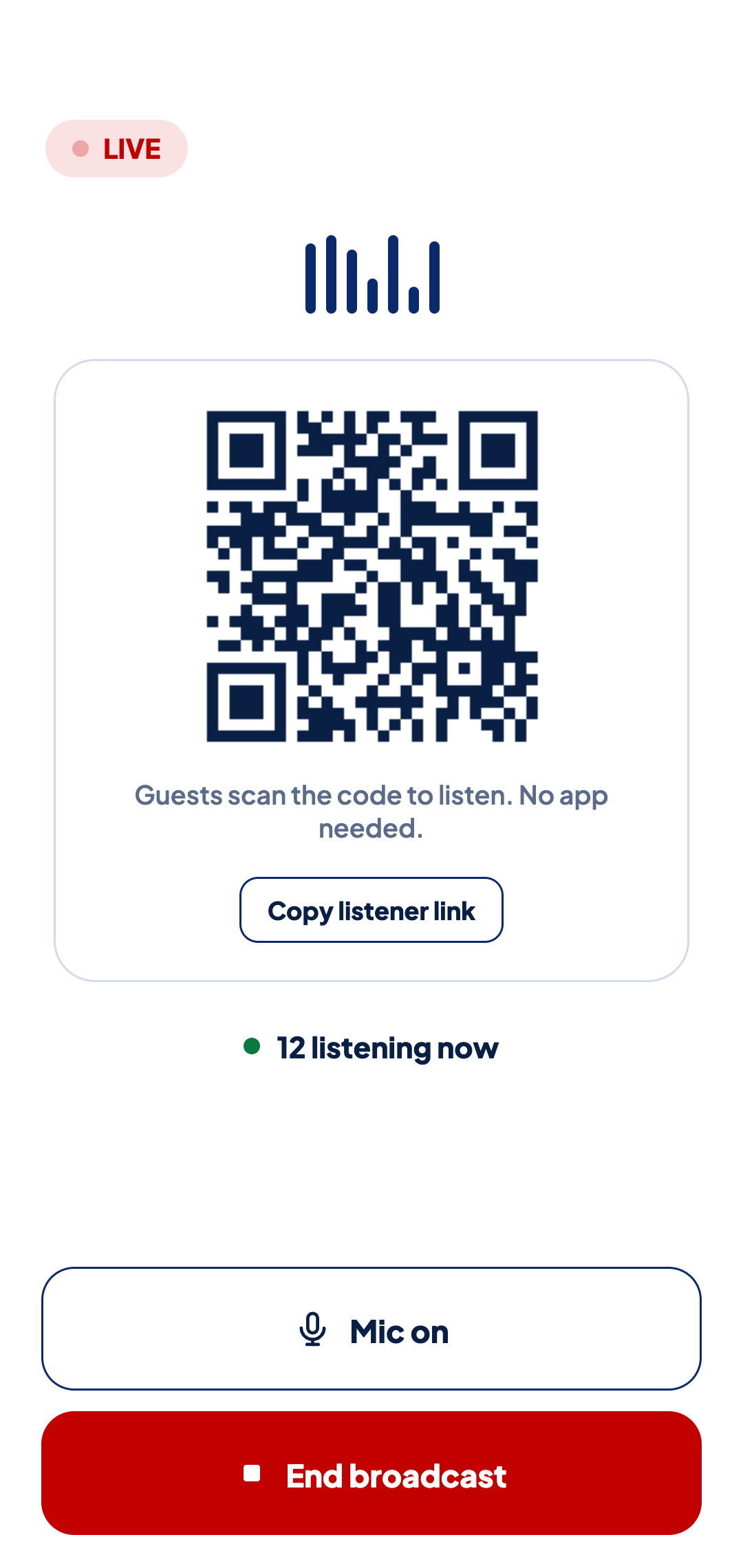
Open TourCast in your phone's browser, give your tour a name and tap Start broadcasting. There is nothing to install.

Stop losing guests to background noise and distance. Live audio from your microphone, straight to their headphones. No app, no additional equipment, it just works.
Go LiveOpen TourCast in your phone's browser, give your tour a name and tap Start broadcasting. There is nothing to install.
As soon as you're live, your phone shows a QR code. Guests scan it with their camera and hear you through the headphones connected to their phone. They don't need an app or an account, and you can also send them the link.

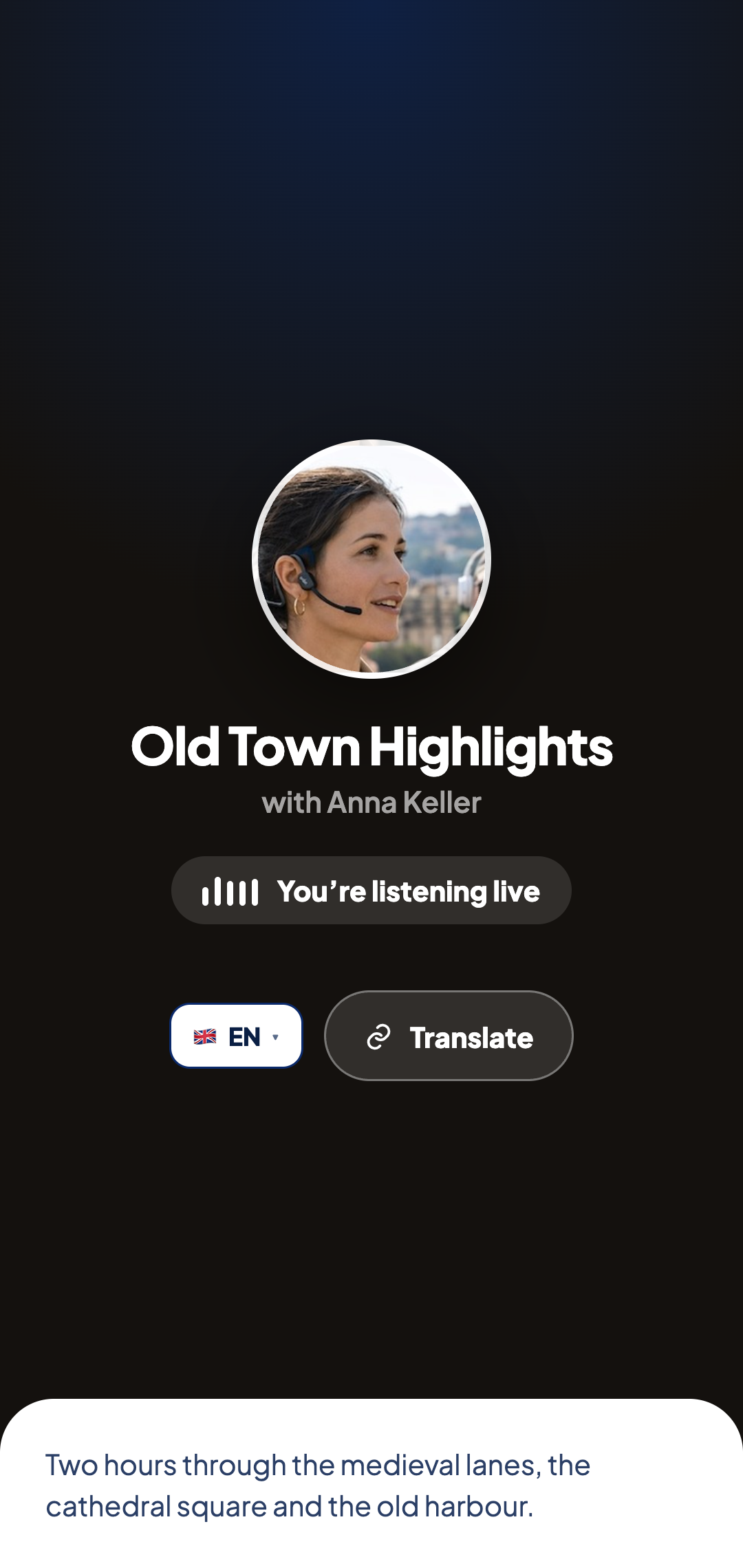
With Pro + Translate, each guest can choose their own language and hear you translated by AI while you speak.
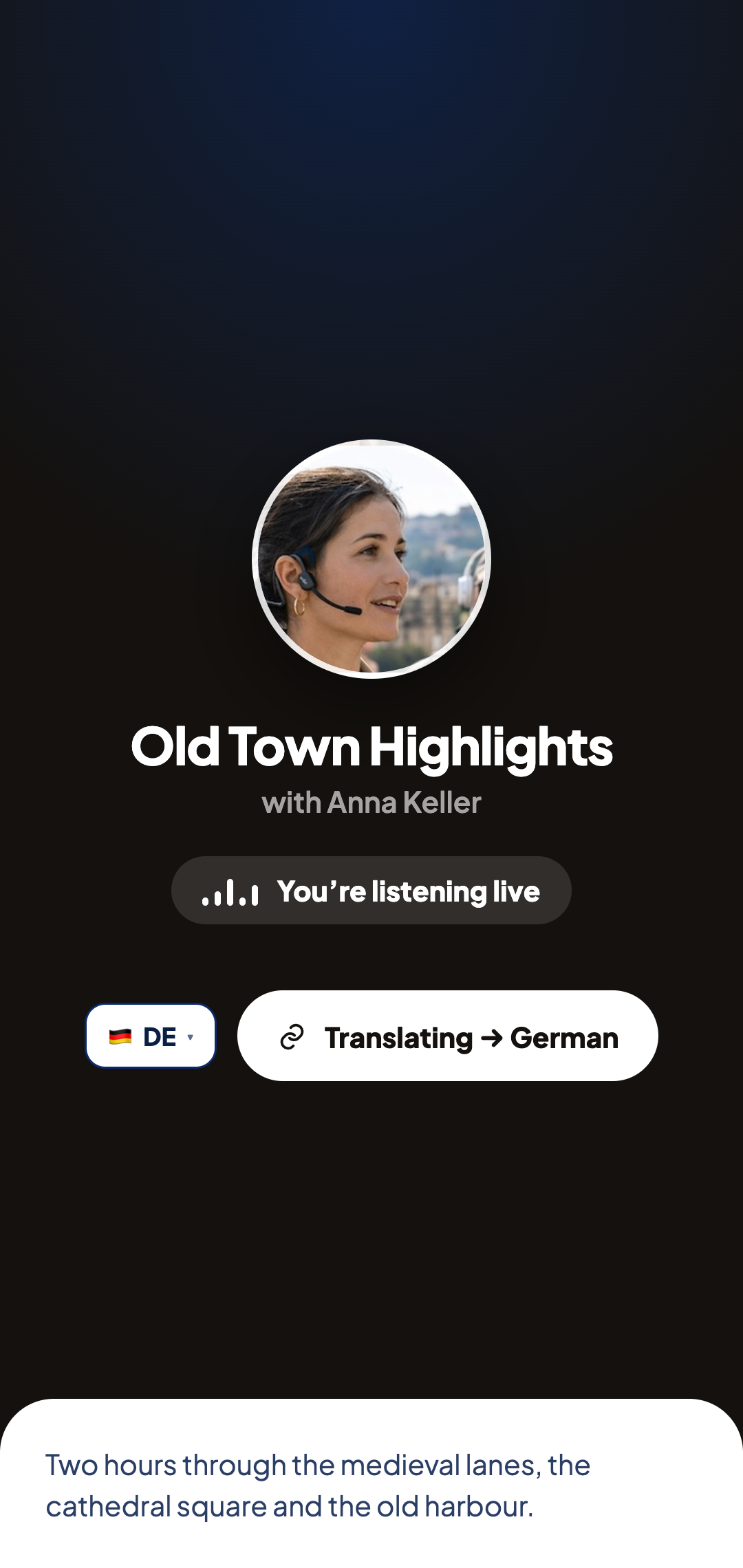
When you end the tour, your guests see a Rate this tour button. It takes them straight to your Google review form or your TripAdvisor page, so they can leave a review while the tour is fresh in their mind. Your statistics show how long each tour ran, how many guests joined and how many tapped the button.
Yes. The guide and every guest need mobile data or Wi-Fi. As long as everyone is online, the distance between you doesn't matter.
Basic is free. Guests use their own phone and headphones, so it's worth reminding them to bring earbuds. As the guide you'll also need a dedicated microphone, and there are some suggestions below.
You'll need a dedicated microphone, ideally with a furry windshield for outdoor tours. These work well:
Up to 10 guests per tour on Basic and up to 50 on Pro and Pro + Translate. If you need room for more, email us and we'll arrange it.
The page reconnects by itself. If that doesn't work, the guest can refresh the page and they'll be back in a few seconds.
There is a short delay, and most guests don't notice it. Translated audio takes a few seconds longer because it is translated while you speak.
Yes, anywhere your guests have mobile data or Wi-Fi. Places without any signal, such as some underground sites, won't work.
No. Guests scan your QR code or tap your link and start listening. There is nothing to install and no account to create.
On Android, yes. The broadcast keeps running with the screen off. On iPhone, keep TourCast open on the screen for the most reliable sound. Guests can usually lock their phones and keep listening.
No. TourCast sends audio one way, from the guide to the guests, which keeps the sound clear and the app simple.
English, Spanish, Portuguese, French, German, Italian, Japanese, Chinese, Korean, Russian, Hindi, Indonesian, Vietnamese, Dutch, Polish, Romanian and Afrikaans.